ACdb posters are fetched during a Metadata refresh for the collection. Sometimes there can be a delay before the poster shows up, especially if a library scan is in progress. If the problem persists, please continue reading.
Sometimes other plugins take over the image fetcher.
-
You can set the priority for these plugins in Library settings > Collections.
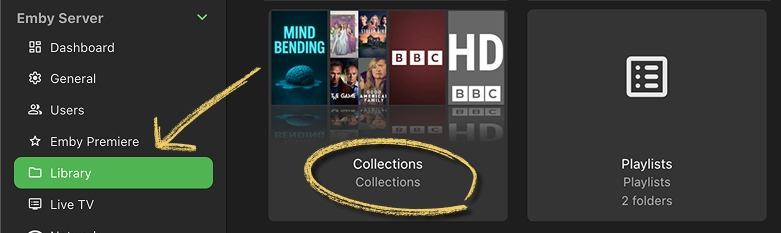
-
Make sure ACdb.tv is at the top and enabled.
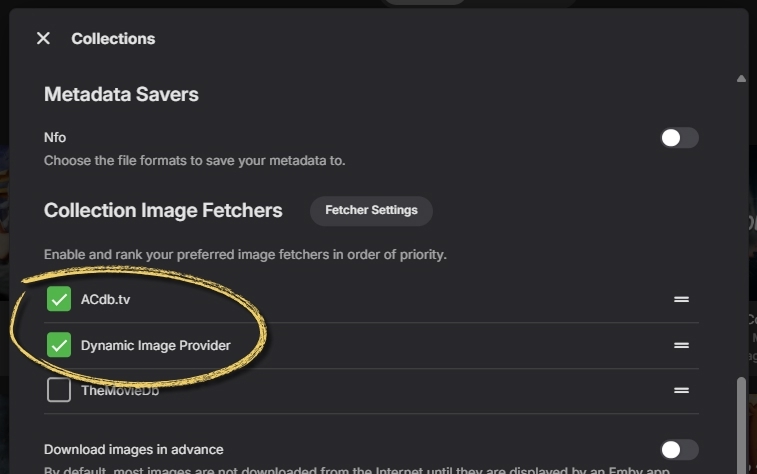
-
If you are on Emby, also enable Dynamic Image Generator. It creates the default poster if none is set.
Refresh the image
Refreshing the Metadata for the collection will request the poster again.
-
Click the collection’s properties button and select Refresh Metadata.
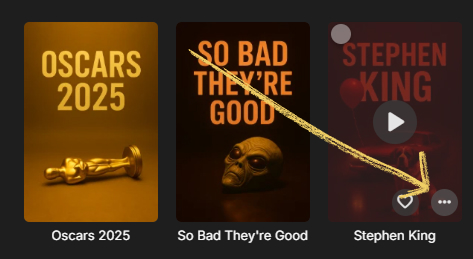
-
Choose Replace existing images and then click Refresh.
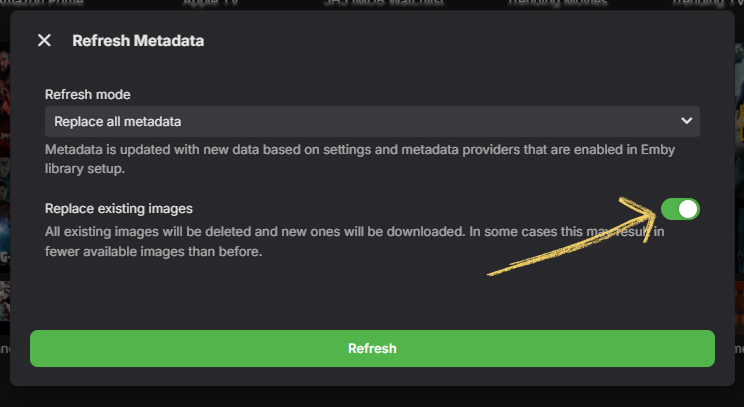
-
Refresh the page or go to another screen and come back to it.